Maximizing an ASIC miner's hash rate and energy efficiency is a continuous endeavor that extends beyond initial setup. This guide provides practical, step by step strategies for achieving peak and stable performance, encompassing environmental controls, hardware adjustments, software enhancements, and robust power supply management. By systematically optimizing these areas, miners can significantly improve profitability and extend the lifespan of their valuable equipment.
Understanding ASIC Miner Performance Metrics
Hashrate, typically measured in Terahashes per second (TH/s), represents the raw computational power of the miner – how many cryptographic hashes it can attempt each second. A higher hashrate means more opportunities to solve a block and earn rewards.
Power consumption, measured in watts (W), indicates the amount of electricity the miner draws. The interplay between hashrate and power consumption defines the miner's efficiency. Efficiency is commonly expressed in Joules per Terahash (J/TH) or Watts per Terahash (W/TH). A lower J/TH figure signifies a more efficient miner, meaning it produces more hashes for less electricity. For a deeper dive into understanding these numbers, refer to our guide on how to read an ASIC miner spec sheet: https://miningpluscrypto-.com/blog/how-to-read-an-asic-miner-spec-sheet.
What key metrics indicate an ASIC miner's performance, and how do they interrelate? The key metrics are hashrate, power consumption, and efficiency. Hashrate is the output, power consumption is the input cost, and efficiency is the ratio of output to input. They interrelate directly: higher hashrate with lower power consumption leads to better efficiency, which directly translates to higher profitability. A comprehensive understanding of these allows for informed decisions when optimizing, balancing raw power with economic viability.
Optimizing Your Mining Environment: Temperature and Airflow Management
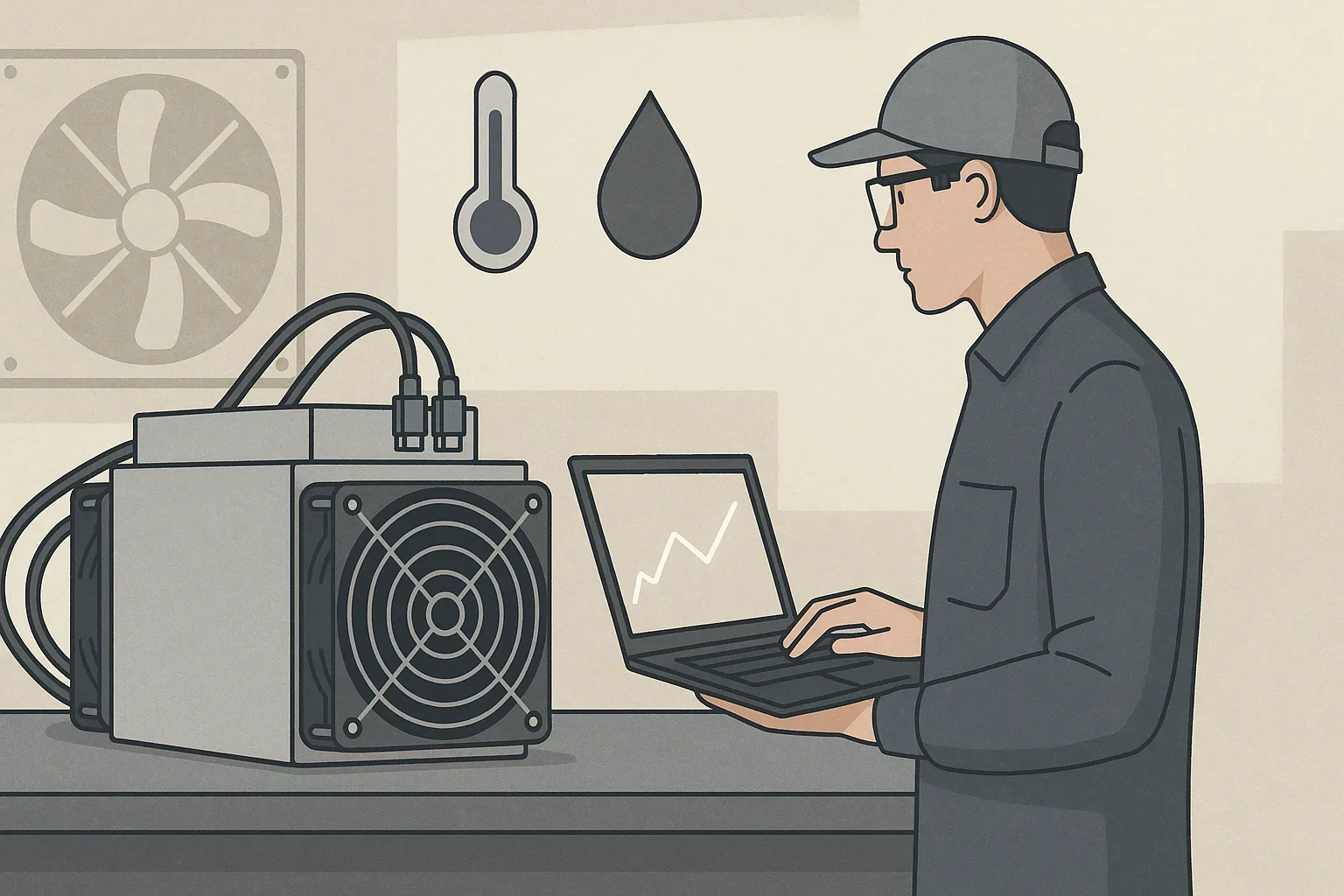
The operating environment plays a pivotal role in an ASIC miner's performance and longevity. High temperatures are the primary enemy of electronics, leading to thermal throttling, reduced hashrate, and premature component failure.
Adequate airflow is non-negotiable. Miners pull in cool air from one end and exhaust hot air from the other. Implementing a hot/cold aisle containment strategy, common in data centers, can dramatically improve cooling efficiency by separating the hot exhaust air from the cool intake air.
Ventilation systems, ranging from simple exhaust fans to industrial-grade HVAC, are essential for removing heat from the mining area. The size and type of ventilation depend on the scale of your operation. For a few miners in a garage, a powerful exhaust fan might suffice. For larger farms, dedicated air conditioning or evaporative cooling systems, coupled with robust air circulation, become necessary.
Humidity also impacts performance, though less directly than temperature. High humidity can lead to condensation, corrosion, and short circuits, particularly if temperature fluctuations cause dew point conditions. Low humidity can increase static electricity. Aim for relative humidity between 30% and 70%. Monitoring both temperature and humidity with environmental sensors allows for proactive adjustments.
How significantly do environmental factors like temperature and humidity impact an ASIC miner's efficiency and lifespan? Environmental factors, particularly temperature, have a profound impact. Excess heat causes miners to throttle their hashrate to protect components, directly reducing efficiency and profitability. Sustained high temperatures significantly accelerate component degradation, leading to premature failure of chips, fans, and power supplies, drastically shortening the miner's lifespan. Humidity, when extreme, can cause electrical shorts or corrosion, also impacting reliability and longevity. Proper environmental control is not merely about comfort, but about protecting investment and maximizing operational uptime.
Advanced Hardware Tweaks: Overclocking, Undervolting, and Cooling Upgrades
Beyond environmental control, direct hardware adjustments offer avenues for performance optimization.
Overclocking involves increasing the clock speed of the ASIC chips beyond their factory settings, aiming to achieve a higher hashrate. Aggressive overclocking without adequate cooling will lead to instability, thermal throttling, and potential hardware damage.
Conversely, undervolting involves reducing the voltage supplied to the ASIC chips. This practice aims to achieve the same or similar hashrate at lower power consumption, thereby improving efficiency. Undervolting can be highly beneficial for reducing electricity costs and extending chip life by lowering heat output. Both overclocking and undervolting require a thorough understanding of your miner's capabilities and careful testing. For more on efficiency, consider our article on ASIC miner efficiency explanation: https://miningpluscrypto-.com/blog/asic-miner-efficiency-explanation.
Cooling upgrades can be essential, especially when pushing miners to their limits. In more advanced setups, immersion cooling or hydro cooling (using liquid coolants) can offer significantly superior heat dissipation compared to traditional air cooling. These methods are particularly effective for high-density mining operations or heavily overclocked units, allowing for sustained performance at lower operating temperatures.
What are safe and effective methods for overclocking or undervolting an ASIC miner to balance hash rate and power consumption? Safe and effective methods involve incremental adjustments and continuous monitoring. For overclocking, start with small frequency increases, monitoring hashrate, power draw, and chip temperatures. If stable, gradually increase further. For undervolting, reduce voltage in small steps, testing for stability at your desired hashrate. Always prioritize stability and temperature control. high quality custom firmware often provides granular control over these settings. Always ensure your cooling infrastructure can handle any increased heat from overclocking or take advantage of reduced heat from undervolting.
Leveraging Custom Firmware and Software for Enhanced Control
While manufacturers provide stock firmware, custom firmware solutions offer a suite of advanced features designed for optimization.
Custom firmware, developed by third-party communities or specialized companies, often provides more granular control over miner settings. This level of control enables miners to implement sophisticated overclocking and undervolting strategies tailored to their specific hardware and environmental conditions, often unlocking performance or efficiency levels unachievable with stock firmware.
Beyond raw performance, custom firmware can offer improved monitoring tools, displaying detailed statistics on chip temperatures, hash rate per board, fan RPMs, and power consumption. Some even include features like auto-tuning, which intelligently adjusts settings to maintain optimal performance based on environmental conditions, or fail-safe mechanisms to prevent overheating. Remote management capabilities are also frequently enhanced, allowing for easier large-scale farm administration.
Flashing custom firmware can void your miner's warranty and, if done incorrectly, can brick the device. Always source custom firmware from reputable developers, read reviews, and follow installation instructions meticulously. Ensure the firmware is compatible with your specific miner model.
Can custom firmware truly enhance my ASIC miner's performance or efficiency, and what are the risks? Yes, custom firmware can significantly enhance performance and efficiency by offering precise control over core voltage, frequency, and fan speeds, allowing for tailored overclocking, undervolting, and power saving profiles not available in stock firmware. Many users report noticeable gains in hashrate or efficiency (lower J/TH). However, the risks include voiding your miner's warranty, the potential to permanently damage or 'brick' the device if flashing is unsuccessful or the settings are too aggressive, and security vulnerabilities if the firmware is not from a trusted source.
Ensuring Stable and Efficient Power Supply for Your ASIC
The power supply unit (PSU) is the lifeline of your ASIC miner. An inadequate or unstable power supply can lead to frequent miner reboots, reduced hashrate, and even permanent damage to the ASIC chips.
First, ensure your PSU is adequately sized for your miner's power draw, with a sufficient buffer. Miners often draw close to their maximum rated wattage, especially under overclocked conditions. A general rule of thumb is to select a PSU with at least 20-25% more capacity than the miner's peak draw. This headroom accounts for efficiency losses, ensures stable power delivery, and prevents the PSU from operating constantly at its maximum limit, which can shorten its lifespan.
Second, consider the PSU's efficiency rating, typically denoted by 80 PLUS certifications (e.g., Bronze, Gold, Platinum, Titanium). A higher efficiency rating means less power is wasted as heat during conversion, translating to lower electricity bills and less heat generated within the mining environment. Investing in a Platinum or Titanium rated PSU, while more expensive upfront, can yield significant long term savings in electricity costs.
Fluctuations or 'dirty power' can stress components. Using surge protectors and, for more sensitive setups, uninterruptible power supplies (UPS) or power conditioners can help filter out irregularities and protect against power spikes or brownouts.
An undersized PSU will operate at maximum capacity, leading to overheating, reduced efficiency, and premature failure. Unstable power, characterized by voltage fluctuations or sags, can cause frequent miner reboots, errors, hashboard failures, and can significantly shorten the lifespan of the sensitive ASIC chips. Consistent, clean power ensures the miner operates at its designed specifications without interruption, maximizing hashrate and protecting the hardware investment.
Proactive Maintenance for Sustained Performance and Longevity
Optimizing ASIC miner performance isn't a one-time task. It's an ongoing process that includes regular, proactive maintenance. Neglecting maintenance inevitably leads to performance degradation, increased power consumption, and eventual hardware failure.
The most fundamental maintenance task is regular cleaning. Dust accumulation is a significant problem in mining environments. Dust acts as an insulator, trapping heat and impeding airflow across heatsinks and components. It also clogs fans, reducing their efficiency and increasing noise levels. Periodically, miners should be powered down and thoroughly cleaned using compressed air to remove dust from heatsinks, fans, and circuit boards. The frequency depends on the dustiness of your environment, but monthly or quarterly cleaning is a good baseline.
Fan inspection and replacement are also critical. Fans are mechanical components subject to wear and tear. Listen for unusual noises, check for vibrations, and visually inspect fan blades for damage. A failing fan can lead to localized overheating and thermal throttling of hash boards. Replace worn-out or noisy fans promptly to maintain optimal airflow and prevent more severe damage.
Ensure all power cables, data cables, and network connections are securely seated. Loose connections can lead to intermittent power delivery, data loss, and instability. Periodically inspect power cables for signs of fraying or heat damage, especially at connection points. Regular firmware updates (for both stock and custom firmware) are also a form of maintenance, ensuring you benefit from the latest optimizations and bug fixes.
What routine maintenance practices are essential for preventing performance degradation and extending the life of an ASIC miner? Essential routine maintenance practices include regular dusting and cleaning of the miner's heatsinks, fans, and circuit boards with compressed air to prevent heat buildup. It also involves inspecting and replacing worn or noisy fans, ensuring all power and network cables are securely connected, and periodically updating the miner's firmware to benefit from performance improvements and bug fixes. These practices minimize thermal stress, ensure optimal airflow, and maintain electrical stability, all contributing to sustained performance and a longer operational life for the miner.
Troubleshooting Common ASIC Performance Drops and Instability
Even with meticulous optimization and maintenance, ASIC miners can occasionally experience performance drops or instability. Knowing how to troubleshoot these issues quickly can minimize downtime and prevent further problems.
One of the most common causes of performance drops is thermal throttling. If a miner's internal temperature sensors detect overheating, the ASIC chips will automatically reduce their clock speed to prevent damage, resulting in a lower hashrate. Check fan speeds, ambient room temperature, and airflow around the miner. Ensure heatsinks are clean and not obstructed by dust. Address any environmental issues first.
Hash board errors or failures can also lead to reduced performance. Most miner interfaces provide diagnostic information, indicating if one or more hash boards are not operating correctly or have ceased hashing. This might manifest as a significant drop in hashrate that is a multiple of the expected output per board. Common causes include loose connections, power delivery issues to the board, or actual chip failure. Try reseating power and data cables to the affected board. If the issue persists, the board itself may need replacement or repair.
Network connectivity issues are another frequent culprit. A miner that cannot consistently communicate with the mining pool will experience stale shares, rejected shares, or even periods of no hashing activity. Check your network cables, router, and internet connection. Ensure there's no excessive network latency or packet loss. Rebooting network equipment can sometimes resolve transient issues.
Power supply problems can also cause instability. If the PSU is failing, outputting unstable voltage, or simply not providing enough power, the miner might frequently reboot, display low hashrate, or show errors. Monitor PSU temperatures, and if possible, use a power meter to verify stable voltage output. In severe cases, replacing the PSU may be necessary.
Finally, always check the mining pool statistics. A sudden drop in reported hashrate might sometimes be an issue on the pool's end, or it could indicate that your miner is submitting a high number of invalid or stale shares due to connectivity issues or excessive overclocking. Comparing your miner's reported hashrate with the pool's reported hashrate can help pinpoint where the problem lies. Addressing these common issues systematically will help restore your ASIC miner to its peak performance.