This guide provides a comprehensive, step by step walkthrough for new ASIC miner owners, covering everything from unboxing and physical setup to initial software configuration and connecting to a mining pool, with an emphasis on safety, efficiency, and common troubleshooting.
Pre-Setup Checklist: Essential Gear and Environment
ASIC miners are power-intensive machines, often drawing thousands of watts. You will need dedicated electrical circuits capable of handling the load. heavy duty PDU (Power Distribution Unit) strips and C13/C14 or C19/C20 power cables, depending on your miner's specific connectors, are non-negotiable. Ensure you have a reliable router or switch with available Ethernet ports and a sufficiently long Ethernet cable. Environmental conditions are equally important. ASIC miners generate significant heat and noise. Think about intake and exhaust systems, air conditioning, or direct outdoor venting. Refer to asic miner operating conditions for detailed temperature and humidity guidelines.
Unboxing Your ASIC Miner and Initial Physical Inspection
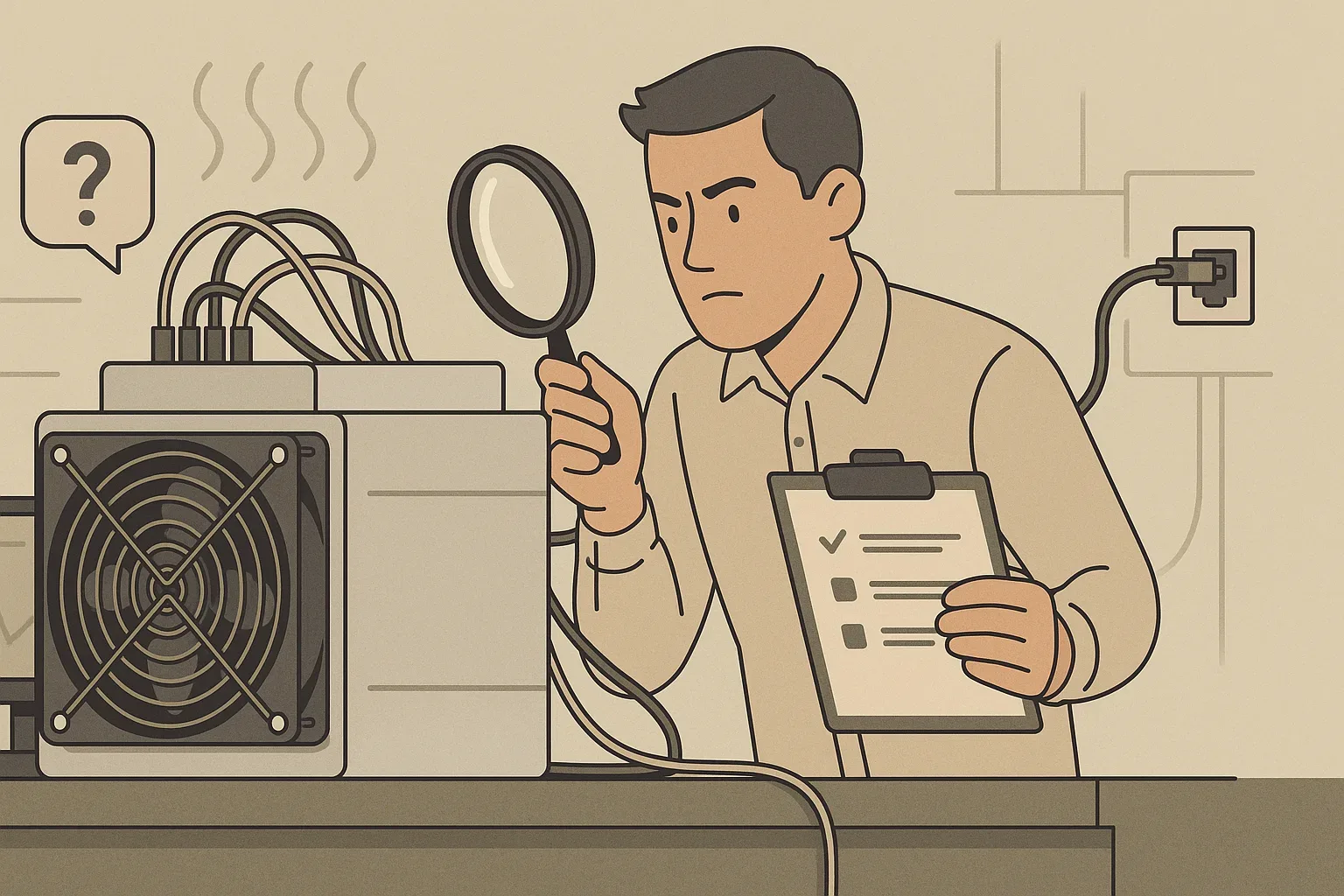
Begin by carefully removing the miner from its packaging. These devices are heavy and delicate, so lift with care, preferably with assistance if needed. Avoid dropping the unit or subjecting it to sharp impacts. Check all ports and connectors for cleanliness and integrity. If you spot any damage, document it immediately with photographs and contact your vendor before proceeding. Start by plugging in the power cables. Most modern ASIC miners use multiple power inputs, often C13 or C19 connections. Locate the Ethernet port, typically on the control board, and firmly insert the cable. Do not power on the unit until all physical connections are secure and inspected.
Powering Up and Network Connection: Getting Your Miner Online
Once all power cables are securely fastened to both the miner and the PDU, and the Ethernet cable is plugged into both the miner and your router or switch, you can proceed. Carefully switch on the power supply to the miner. Observe the indicator lights on the miner. A solid green power light and a blinking or solid green/amber network light indicate that the miner is receiving power and attempting to establish a network connection. Once the miner has had a minute or two to boot up, you should verify its network presence.
Accessing Your Miner's Web Interface and Initial Login
To access the interface, you'll first need the miner's IP address. Your miner's IP address will be listed there, often alongside its MAC address or a manufacturer-specific hostname. Another effective method is to use an IP scanner tool on a computer connected to the same network. Software like Advanced IP Scanner or Angry IP Scanner can scan your network subnet and identify all active devices, including your ASIC miner. Once you have the IP address, open a web browser (Chrome, Firefox, Edge) and enter the IP address into the URL bar (e.g., `http://192.168.1.100`). Common usernames and passwords include "root/root," "admin/admin," or "admin/password." Refer to your miner's manual or the manufacturer's website for the exact default credentials. Upon successful login, you'll gain access to the miner's dashboard.
Configuring Mining Pool Settings: Directing Your Hashrate
Research various pools based on factors like supported cryptocurrency, payout methods, fees, and reliability. Once you've selected a pool, navigate to the "Miner Configuration" or "Pool Settings" section within your miner's web interface. The "Pool URL" field requires the specific address provided by your chosen mining pool. Ensure you copy this exactly from your pool's setup instructions. The "Worker" field is your unique identifier on the mining pool. The `YourPoolUsername` is the account name you registered with the mining pool, and `YourWorkerName` is a custom name you choose for this specific miner, helping you identify its performance within your pool dashboard. Again, refer to your pool's instructions. If the primary pool becomes unreachable, your miner will automatically switch to the secondary or tertiary pool, ensuring continuous operation and maximizing your uptime. After entering all the details, remember to save the settings and reboot your miner as prompted. It might take a few minutes for the miner to reconnect and start hashing on the new pool.
First Run Monitoring and Basic Performance Optimization
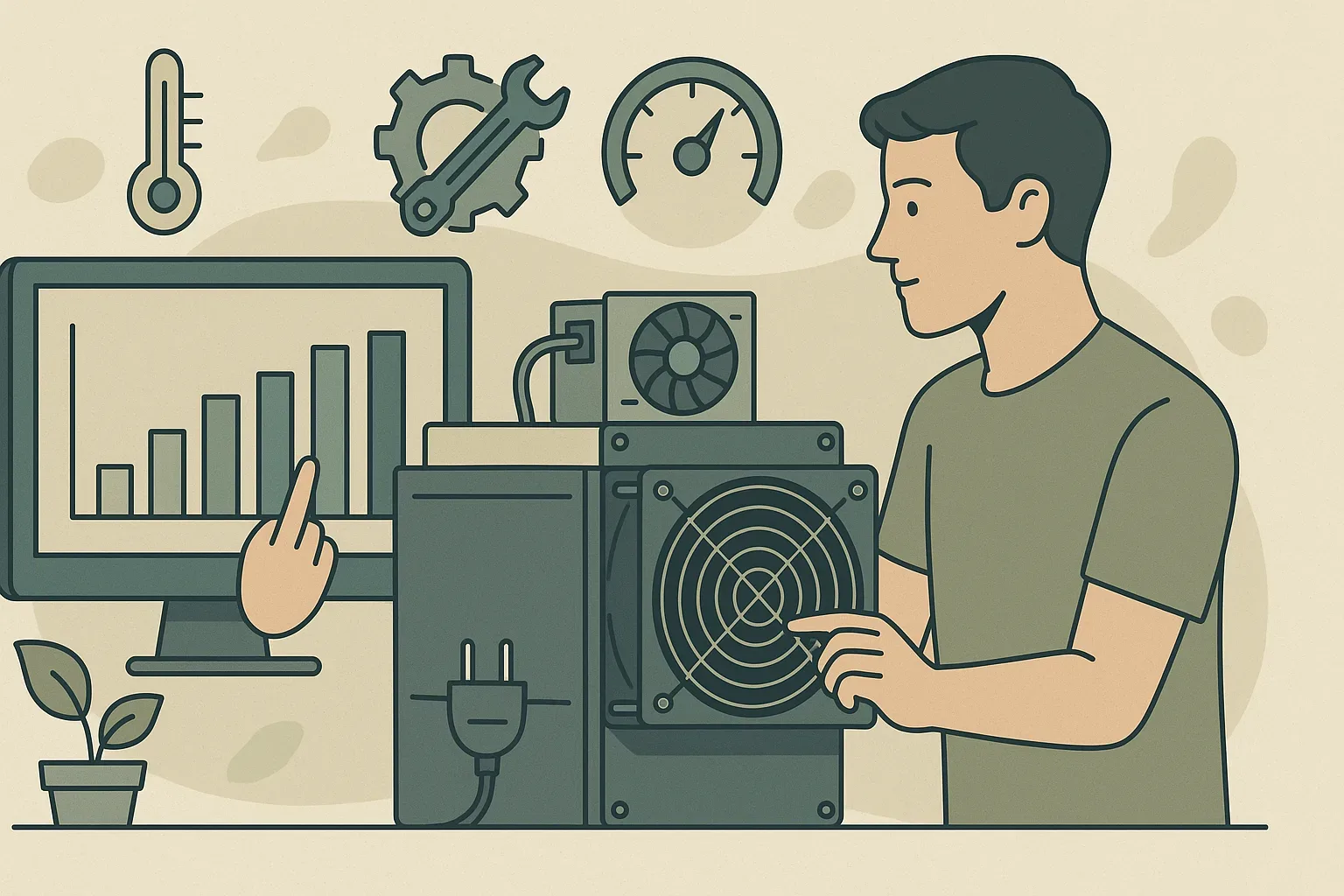
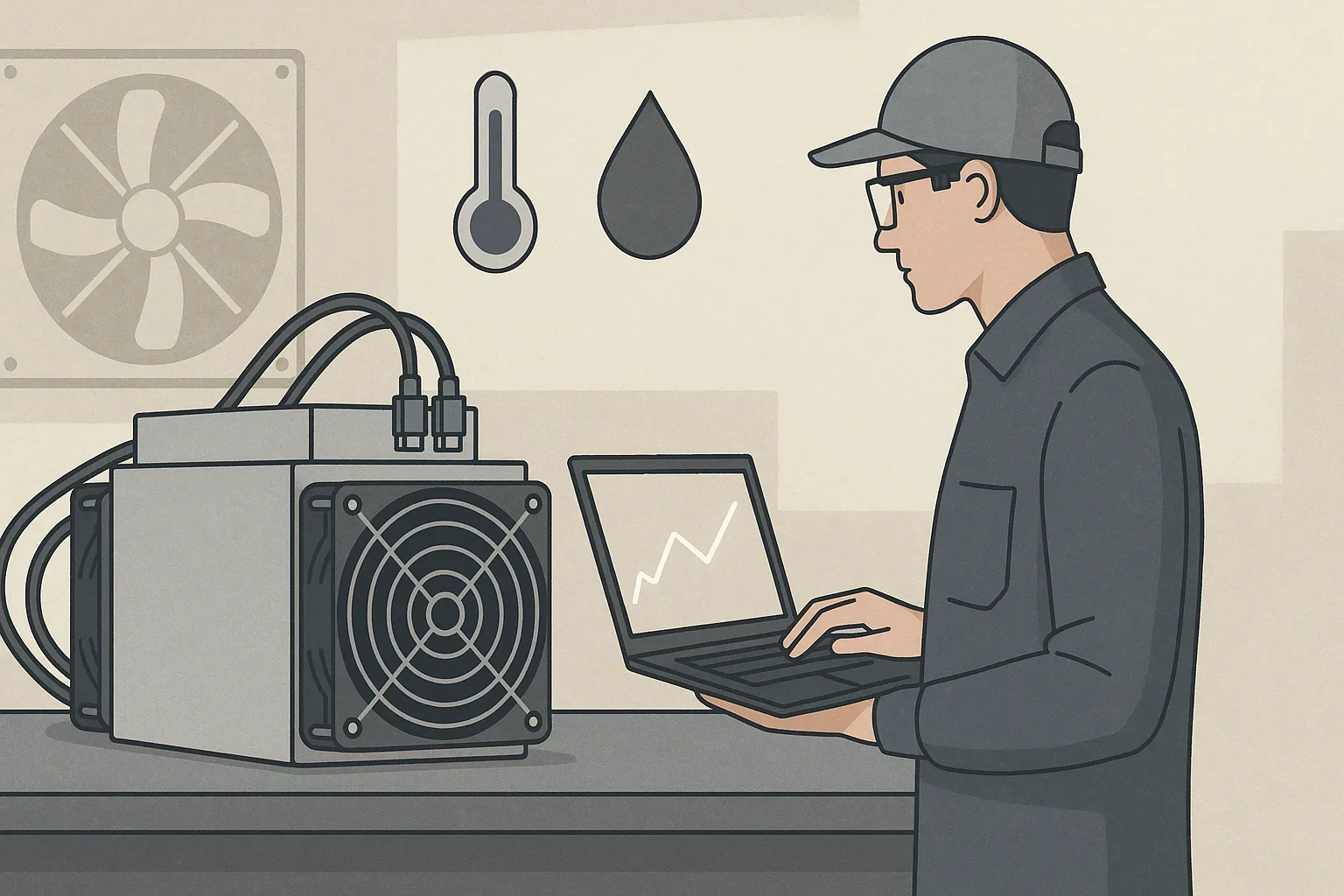
How can I verify that my new ASIC miner is running correctly and efficiently after setup? Within your miner's web interface, navigate to the "Status" or "Miner Status" page. Here, you'll find real-time data on your miner's operation. Key metrics to observe include: Hashrate (displayed in TH/s or GH/s): This shows the computational power your miner is generating. Compare this to the advertised hashrate in your miner's specifications. A consistent hashrate close to the advertised value indicates healthy operation. Temperature: Monitor the temperature of your hash boards and chips. High temperatures (often exceeding 80-90°C depending on the model) can indicate insufficient cooling, which will lead to throttling or damage. Fan Speed: Check that the fans are operating at appropriate RPMs, adjusting automatically based on temperature. Power Consumption: While not always displayed directly on the miner's interface, you can often infer it or use an external power meter. Keeping track of this helps in understanding your operational costs and efficiency. You can delve deeper into understanding efficiency by reading asic miner efficiency explanation. Look for a low rate of hardware errors or rejected shares, as these indicate potential issues with the miner or pool connection. For basic performance optimization, ensure your miner is in the coolest possible environment that adheres to its operating conditions. Proper airflow is key. While advanced optimization often involves firmware adjustments or overclocking (which can void warranties and carry risks), ensuring stable power and network, along with optimal environmental conditions, provides the best foundation. Periodically check your mining pool's dashboard as well; it will provide an independent verification of your miner's reported hashrate and accepted shares, confirming that your hashrate is indeed contributing to the pool and earning rewards. For further tips, consider reading optimizing asic miner performance.
Troubleshooting Common 'Setting Up New ASIC Miner' Issues
Even with careful preparation, new ASIC miner owners frequently encounter challenges during setup. What are the most frequent problems encountered when setting up a new ASIC miner, and how can I resolve them? This can stem from incorrect pool settings, network connectivity problems, or even a faulty hash board. First, double-check all your pool URL, worker name, and password entries in the configuration. Ensure there are no typos. If settings are correct, verify network connectivity: ping the pool address from a computer on the same network to confirm it's reachable. Check the Ethernet cable and router status lights. Another frequent problem is high temperature readings. If your hash boards are consistently running too hot, it often points to inadequate ventilation, dust buildup on heatsinks or fans, or a failing fan. Ensure the miner has clear intake and exhaust paths, the room is cool, and fans are spinning freely. Clean any dust accumulated on the heatsinks. Sometimes, miners show "invalid shares" or "rejected shares." While a small percentage is normal, a high rate can indicate an unstable internet connection, an overclocked miner, or a pool configuration error. Try switching to a different mining pool or ensuring your internet connection is stable. If the miner is completely unresponsive or won't power on, meticulously re-check all power cable connections, the PDU, and the circuit breaker. A faulty power supply unit (PSU) could also be the culprit. Lastly, if you cannot access the miner's web interface, re-verify its IP address using an IP scanner or your router's DHCP list. Ensure your computer is on the same network subnet as the miner. For comprehensive guidance on diagnosing and fixing problems, refer to troubleshoot asic miner issues. Persistent problems often require contacting your miner's manufacturer or your mining pool's support team for specialized assistance.